
GR World vs Image Sync: Which Ricoh GR App Do You Need?
On this page
Choose between Ricoh’s official apps by camera model and the job you want to do.
The short answer
- GR IV series: GR World; Image Sync does not support it.
- GR III / IIIx: either app can transfer photos; choose Image Sync for live-view remote shooting or GR World for its Bluetooth shutter.
- GR II: either app can transfer photos over Wi-Fi. Neither provides remote shooting or phone-to-camera location tagging for GR II.
Supported models at a glance
| Camera | Image Sync | GR World |
|---|---|---|
| GR II | Photo transfer | Photo transfer; firmware 1.10+ |
| GR III / HDF | Supported | Supported; firmware 2.00+ |
| GR IIIx / HDF | Supported | Supported; firmware 1.50+ |
| GR IV / HDF / Monochrome | Not supported | Supported |
Remote shooting
For GR III / IIIx, Image Sync shows live view and offers exposure adjustment and touch autofocus. GR World provides a Bluetooth shutter on GR III / IIIx and GR IV, with no live view or exposure adjustment.
Location information
On GR III / IIIx, both official apps can send the phone’s location to the camera for photos taken while connected. GR World also supports this on GR IV. Both apps can send location in the background when their location settings and iOS permissions allow it.
Transfers and reliability
Both apps import photos over the camera’s Wi-Fi. Bluetooth on compatible models helps establish the connection; it does not carry the photo files. Connection trouble can come from permissions, saved pairing records or network settings. Use the matching checklist: Image Sync or GR World.
Firmware updates
GR World can install firmware updates on the GR IV series. It cannot do this on GR II or GR III / IIIx; use Ricoh’s download and SD-card instructions for those cameras. Image Sync is not an in-app firmware installer for these GR models. You do not need a working app connection to use the SD-card route.
Can you install both?
Yes. You can keep both apps on the same phone. Finish or disconnect the current app’s camera session before opening the other app to connect.
A third option
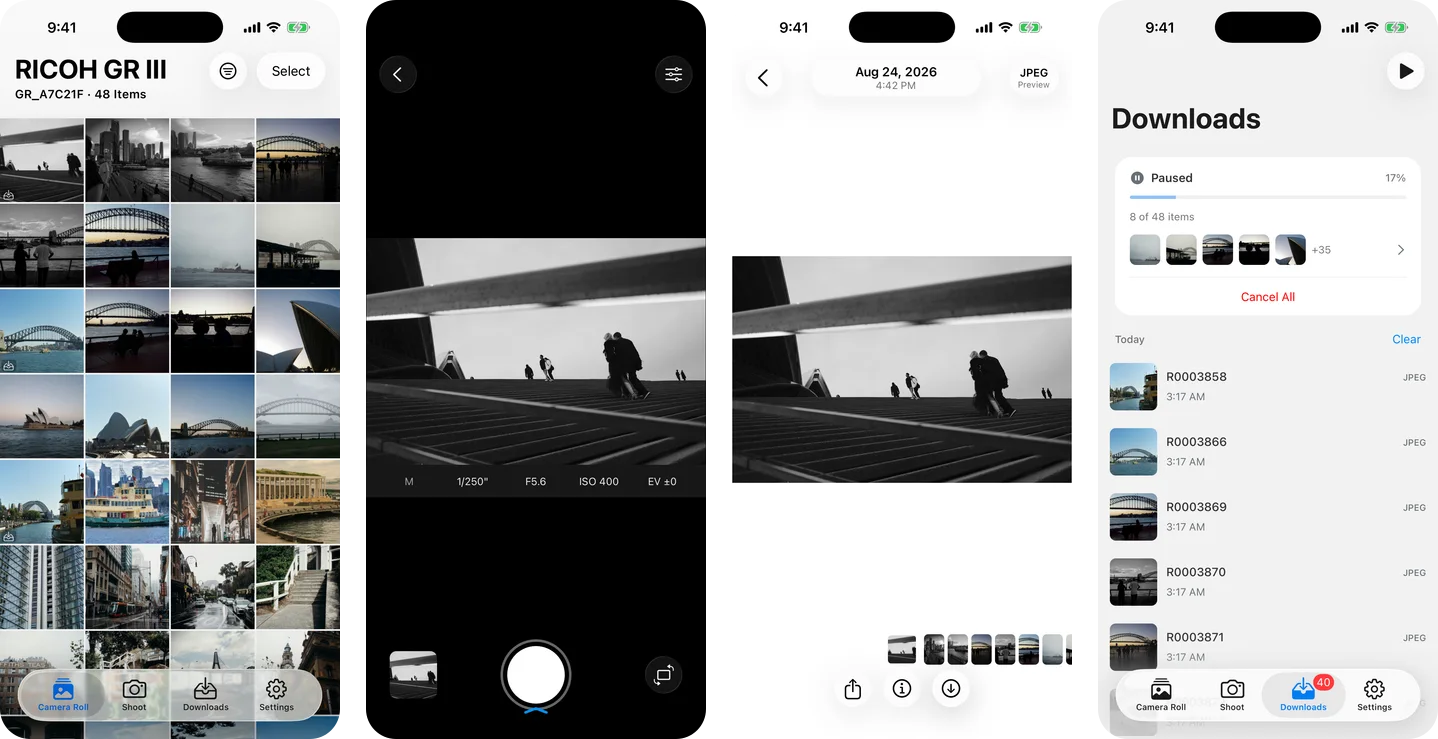
GR Snap is our independent paid iPhone app for browsing, transferring and sharing GR photos. It offers live-view remote shooting on supported models; GR II is transfer only. See the Image Sync comparison and GR World comparison for the feature details.
Official instructions: GR World FAQ, Image Sync, Image Sync — Updates, Ricoh.