Keep the places with your photos.
Record your route on iPhone and fill in missing photo locations after downloading. Review your outings in Location History or export a GPX track.
Set up geotagging
Photo transfer & remote control for your Ricoh GR.
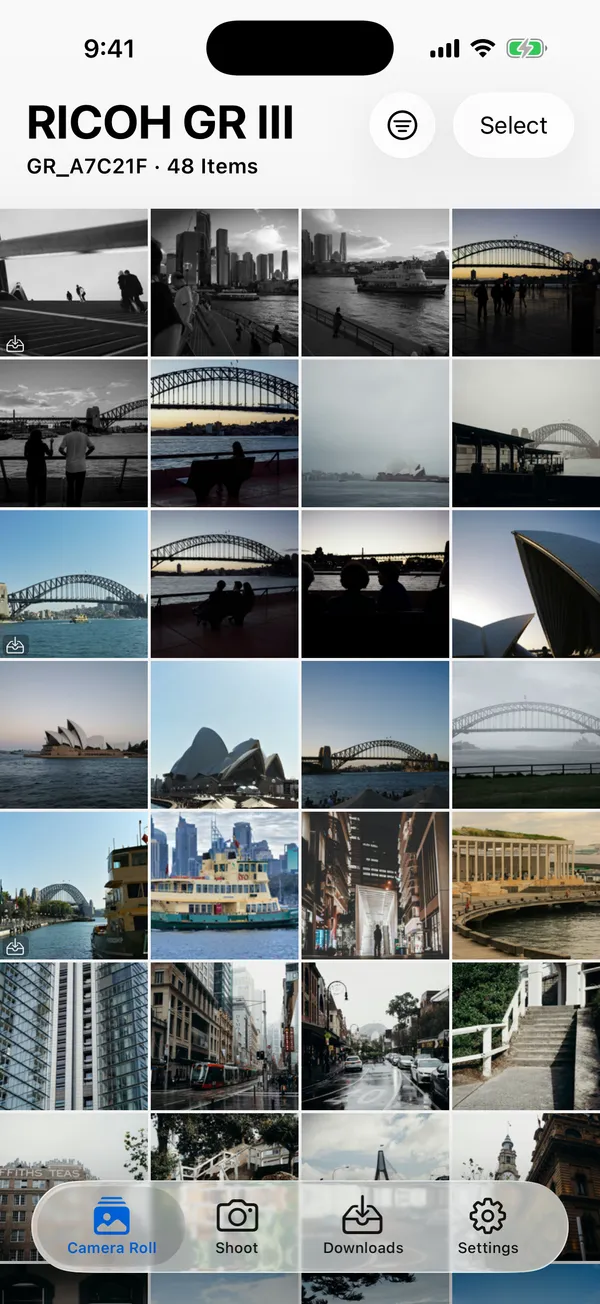
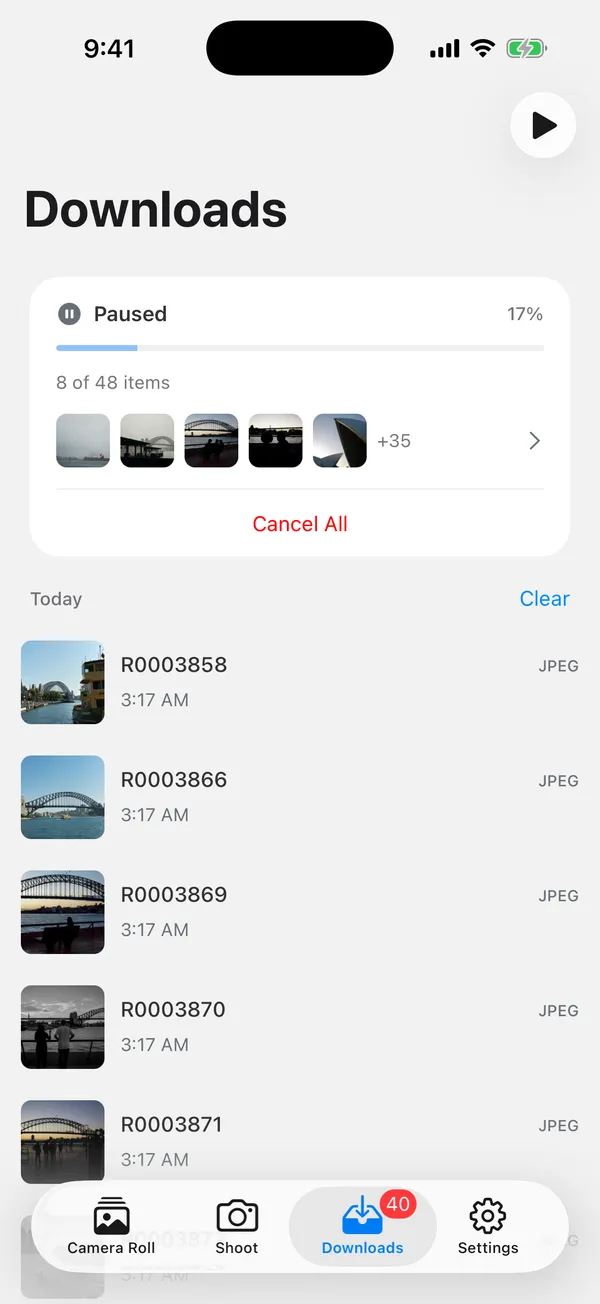
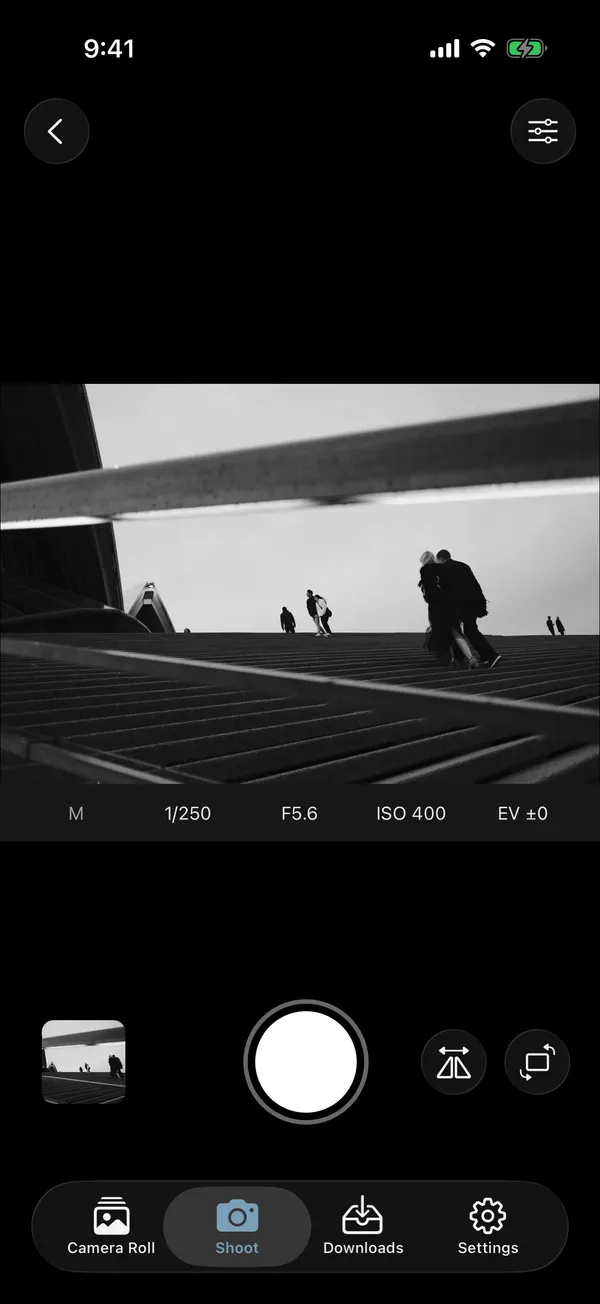
Browse the photos on your camera.Save the originals to your iPhone.Take a shot without touching the shutter.

One-time purchase · Supports GR III / IIIx, GR II and GR IV
JPEG, RAW and video, together in one photo grid. Open a photo for a closer look, then choose what to keep.
Save original files to Photos, one at a time or in a batch. Follow each file in the download queue.
Frame a shot, adjust exposure and release the shutter from your phone. Available on GR III, IIIx and IV.

“…seamless Bluetooth pairing, easy file transfer, and a decent enough remote shutter…”
“Very happy to have found this. … Easily deserves its strong rating.”